Hipobuy finds · Sneakers, clothing & accessoriesJoin

The product link directory

Hipobuy Spreadsheet

Find the listing behind the photo. Explore products by category, compare the details, and keep the source link in view.

Shoes, clothing, bags and more are organized around real seller listings. Each product page brings its images, available QC references and original link together before you continue to Hipobuy.

FROM THE DIRECTORYRECENT LISTINGS

Photos and prices belong to these listings. Review the original offer before ordering.

Start with a category

A clearer way to browse

Choose the kind of item first, then narrow the list with search and sorting. Each entry stays connected to its own seller listing.

Xem tất cả Danh mục

A useful way to compare

Look beyond the thumbnail

Explore the Hipobuy Spreadsheet by the product category you actually need. Each listing keeps its seller photos, source link and available QC references together. Compare the pictured item and its options before opening the matching Weidian listing through Hipobuy.

This directory is built for checking an individual offer, rather than treating a similar product name as a match. Start in a category, open a product to inspect the full image set, and use the original marketplace URL to confirm which seller listing you found. Prices are shown in US dollars by default for browsing; the purchasing page is the place to confirm the current offer.

Questions, answered

The Hipobuy Spreadsheet FAQ

From finding a listing to checking its photos, display price and purchase link, these answers explain what this directory can show and what still needs checking at the source.

01

About the directory

What is the Hipobuy Spreadsheet on this site?

It is a browsable directory of individual marketplace product links. Each entry has its own title, seller images and source URL, with QC reference photos when they are available. The categories help you compare similar kinds of items without losing track of the exact listing behind each photo. It is not a spreadsheet file to download.

Is Hipobuy Lists an official Hipobuy website?

No. Hipobuy Lists is an independent directory. Product discovery and photo references are presented here; Hipobuy operates the purchasing service on its own website. A button that opens Hipobuy takes you to that separate service. The affiliate relationship is disclosed in the footer, and a listing here is not an endorsement or guarantee.

Which products can I browse?

The directory includes shoes, tops, bottoms, outerwear, sets, underwear, accessories, electronics and an other-items category. Open a category to see the actual listings currently available there. These groups describe the catalog structure; a featured topic is an editorial starting point, not a claim that every item of that type is present.

Why can two similar products appear as separate entries?

Sellers can use similar names or photos for different offers, and variants can differ even when the main image looks alike. Each entry keeps its own source link and product identifier. Compare the large seller images, any QC references, and the original listing before treating two entries as the same item.

02

Finding and comparing items

How should I use text search and filters?

Search for a product name or a term from its listing, then narrow the results by category, brand or sort order. A search result is a candidate based on the available catalog data; it does not verify the item for you. Open the product page to check the exact source link and photos. Filtering and sorting change which listings are shown, not their underlying seller offer.

Can I search the Hipobuy Spreadsheet with a photo?

Yes. Upload, drop or paste a picture into image search to see visually similar listings from the current catalog. A similar image may belong to a different seller, colorway or variant. Image search is useful for discovery, but compare the full product page and source URL before deciding it is the item you intended to find.

What is the difference between seller photos and QC photos?

Seller photos are the images supplied with a marketplace offer. QC photos, when present, are records associated with an item that was inspected previously. They may show different angles or lighting from the seller presentation. Read them together with the exact listing; QC images do not show the item you will receive and do not establish authenticity or future quality.

Why does a product have no QC gallery?

Not every listing has an available QC record. The product page shows the photos currently connected to that entry, so a missing QC section means there is no reference gallery to display here. It is not a negative grade, and a gallery on a different seller listing should not be silently attributed to this one. Use the seller photos and original listing for the information that is available.

03

Photos, variants and prices

Do the small variant images select the item I will order?

The variant thumbnails on this directory are for previewing the available product images. Clicking one changes the image shown here; it does not place an order or lock in a size, color or price. Check the actual options on the marketplace or Hipobuy purchase page before making a choice. A photo may also show a style whose seller options have since changed.

Why are prices shown in US dollars?

USD is the default display currency for browsing this site. You can switch the display currency in the header; the conversion uses the exchange rates returned with the catalog. These figures are a comparison aid, not a final quote. A seller can change an offer or variant price, so confirm the current item and amount on the destination purchase page.

Can I copy the original seller link?

For a listing with a supported source URL, the product page has a copy-link control above the Hipobuy purchase button. It copies the original marketplace URL, not the Hipobuy affiliate URL. That lets you compare the same seller offer elsewhere or check the item identifier. If the source URL is unavailable, the site does not invent a replacement link.

04

Links and purchasing

How does the Hipobuy purchase button work?

For a verified Weidian listing with a numeric product ID, the button opens the corresponding /product/weidian/ page on Hipobuy and retains the supplied invitation code. You leave this directory at that point. Check the product title, selected option and current price on Hipobuy before proceeding. We do not generate purchase paths for other source platforms until their formats are verified.

What if a linked product changes or is unavailable?

Seller offers can be edited or removed after a directory entry is published. If the destination no longer matches the images or cannot be opened, use the original source link to verify the product ID and look for another current listing. Do not assume an old photo or title guarantees that the same item is still for sale.

Does a listing verify authenticity or quality?

No. The directory provides links and visual references, not authentication, testing or a quality score. Neither a seller image nor an available QC photo proves the material, construction or authenticity of a future item. Compare what is visible, review the exact seller offer and make your own decision on the purchasing site.

Explore the details

More ways into the Spreadsheet

Different categories call for different photo comparisons. These notes connect each topic to the relevant product list.

01

Hipobuy Shoes Spreadsheet

Browse sneakers and other footwear by listing. Product photos help compare the toe shape, sole profile and upper panels; an existing QC gallery offers another view of a previously inspected item. Use the exact source link when checking a pair on Hipobuy.

Browse related listings
02

Hipobuy Tops Spreadsheet

Hoodies, T-shirts and other tops sit in their own category. Compare prints, pockets, cuffs and the views supplied by the seller. If QC photos are available, treat them as a visual reference for that listing rather than a promise about the next order.

Browse related listings
03

Hipobuy Bottoms Spreadsheet

Jeans, trousers and shorts can look alike in small cards. Open the listing to compare leg shape, pockets and visible finishing. The seller link identifies the actual offer and its options.

Browse related listings
04

Hipobuy Outerwear Spreadsheet

Jackets and coats vary in closures, lining and panel construction. Compare equivalent photo angles across listings, then inspect the original offer before choosing an option in Hipobuy.

Browse related listings
05

Hipobuy Sets Spreadsheet

A matching set may show several pieces in one image. Review the seller listing to confirm what is included and which options are offered; the spreadsheet keeps its photos and source link in one place.

Browse related listings
06

Hipobuy Underwear Spreadsheet

Single items and multi-packs share this category. Product images alone may not establish pack contents, so use the source listing for the exact set and regard available QC photos as historical references.

Browse related listings
07

Hipobuy Accessories and Bags Spreadsheet

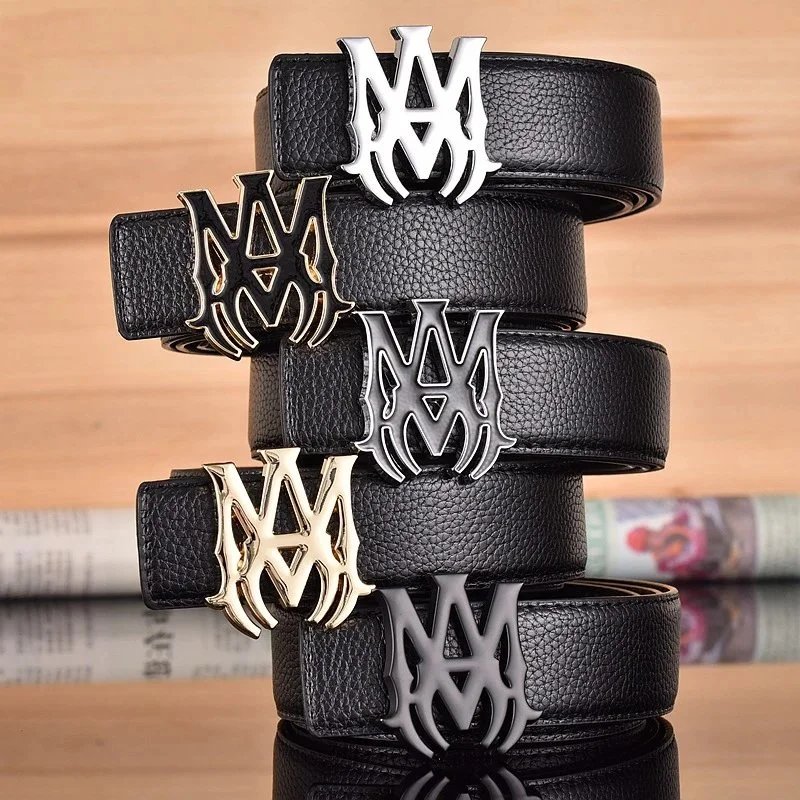
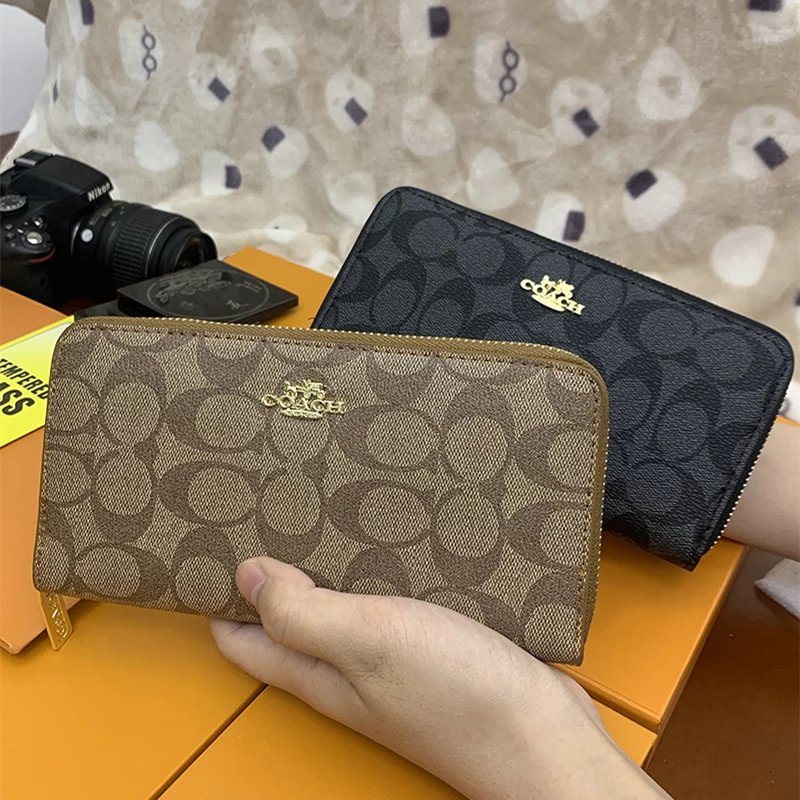
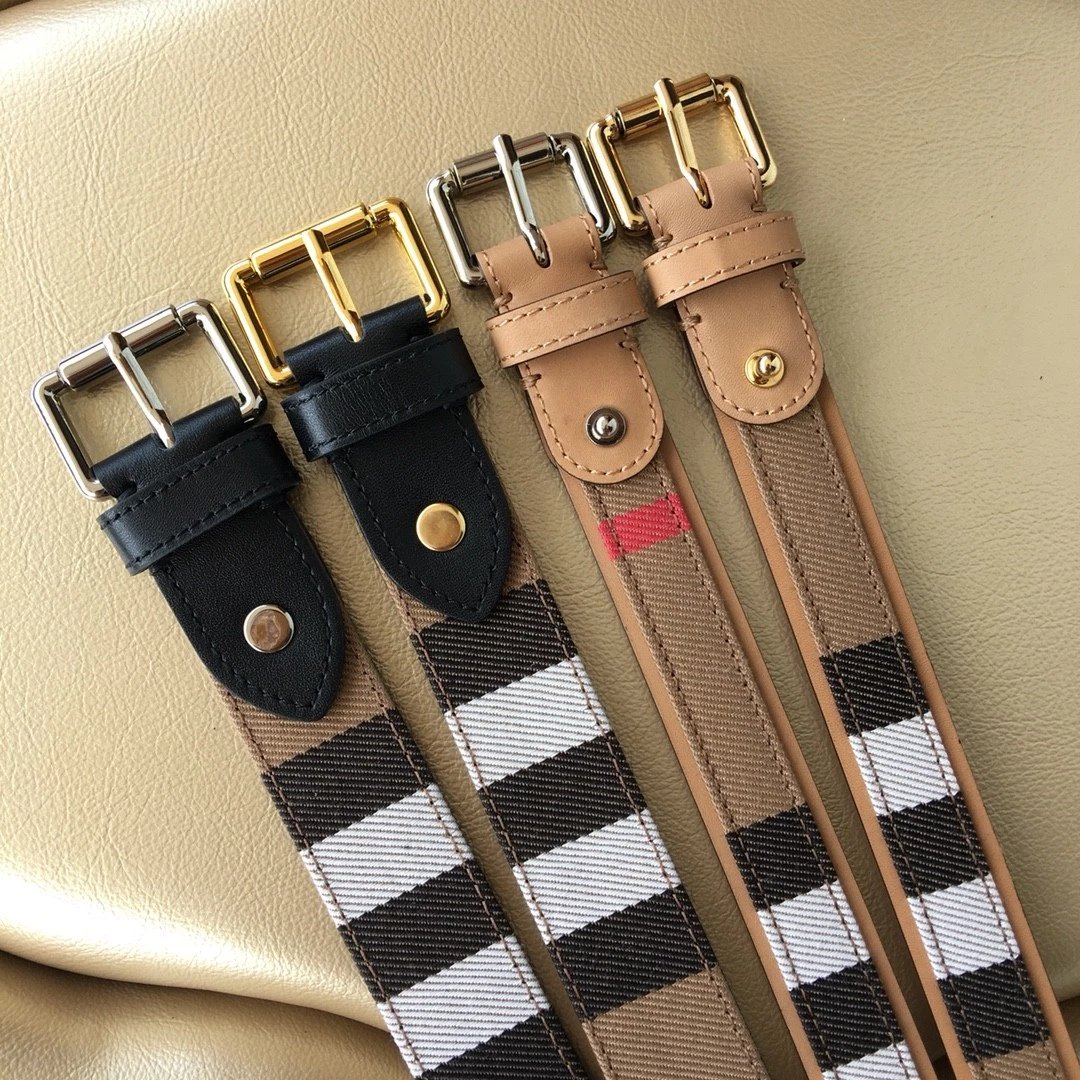
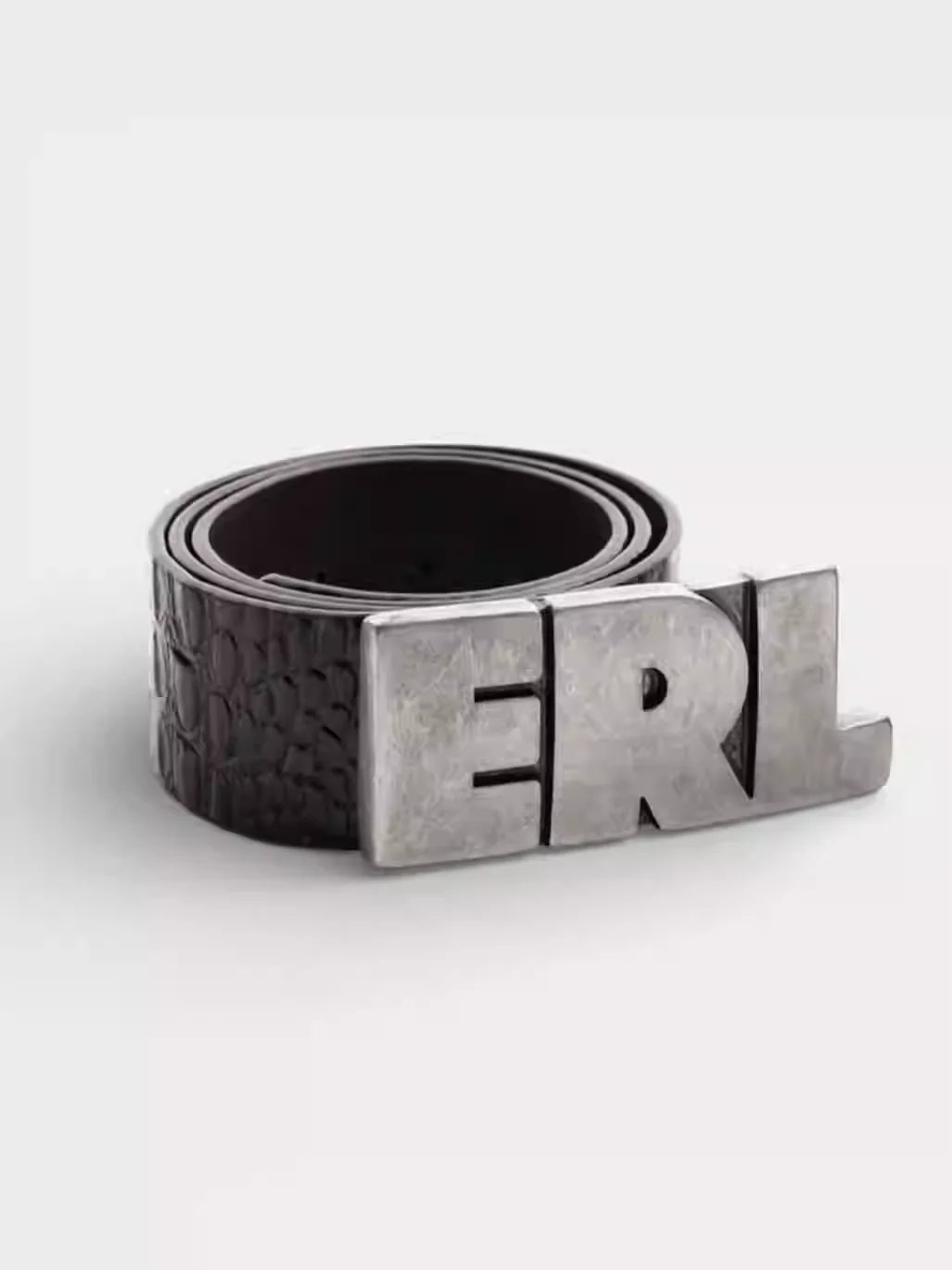
Bag and accessory photos may reveal handles, closures, straps and hardware. Compare the relevant views on the product page and verify dimensions and materials with the seller offer.

Browse related listings
08

Hipobuy Electronics Spreadsheet

Electronics listings need a closer look at models and included accessories. Photos can help identify what is pictured, but they do not establish compatibility, performance or battery life; check the seller specifications.

Browse related listings
09

More Hipobuy Finds

The other category collects listings outside the main product groups. It keeps unusual items browseable without presenting unrelated products as the same type of find.

Browse related listings
10

Hipobuy Spreadsheet with QC Photos

QC images on this site are existing references connected to a product listing. Lighting and angles affect what they show, and they are not photos of a future Hipobuy order. Compare them with the seller images before opening the item.

Browse related listings
11

Hipobuy Product Links and Image Search

Use a category, a text query or an uploaded image to find possible matches. Similar photos may lead to different sellers or variants; confirm the source link and selected option on the actual product page.

Browse related listings